Loom keeps the entire site in memory — every rendered HTML page is pre-built and atomically swapped on content changes. But images are different. Loading all your photos into RAM would be wasteful, and unnecessary. This post covers how Loom handles static assets across its three modes: filesystem, local git, and remote git.
Filesystem Mode
In filesystem mode, static assets are served directly from disk on each request. The fallback handler walks the request path, opens the file, reads it, and sends it back with an appropriate Content-Type. Nothing is cached in memory. The OS page cache handles repeated reads efficiently — no application-level caching needed.
Any file that isn't markdown or site.conf is fair game: images, fonts, PDFs, downloads. Put them anywhere in your content directory and reference them by path.

The router matches known routes first (posts, pages, tags, RSS, etc.), and only falls through to the file handler for unrecognized paths. The fallback also validates the path against directory traversal (../) before touching the filesystem.
Local Git Mode
When running with --git /path/to/local-repo, Loom reads everything from git objects using git show. This includes static assets — no working tree required.
./loom --git /srv/blog.git main content
For a request to /images/cover.png, the fallback constructs the blob path (content/images/cover.png) and calls git_read_blob(), which shells out to:
git show main:content/images/cover.png
The blob bytes come back through the pipe and are sent directly to the client. This works identically whether the repo is bare or has a working tree.
Remote Git Mode — The Problem
When you pass a GitHub URL:
./loom --git https://github.com/you/blog.git main content
Loom clones the repo as a bare repo into /tmp/loom-repos/ and then behaves like local git mode — polling for new commits and rebuilding on change.
Static assets would work the same way: git show reads the blob, Loom pipes it to the client. It works, but it's pointless. Every image request makes your server shell out to git show, read the bytes from the git object store, and stream them to the browser — when GitHub is already serving those exact bytes over a CDN at raw.githubusercontent.com.
The Redirect Approach
For public remote repos, Loom detects the remote URL and issues a 302 redirect for static assets instead of serving the bytes itself.
GET /images/cover.png
→ 302 Location: https://raw.githubusercontent.com/you/blog/refs/heads/main/content/images/cover.png
The browser follows the redirect and fetches the image directly from GitHub's CDN. Your server never touches the bytes.
The URL construction is straightforward. Given a remote URL and branch, Loom strips the host prefix, removes the .git suffix, and builds the raw content base:
https://github.com/you/blog.git → https://raw.githubusercontent.com/you/blog/refs/heads/main
Both HTTPS and SSH remote URLs are handled:
https://github.com/you/blog.git   ✓
https://github.com/you/blog       ✓
git@github.com:you/blog.git       ✓
For non-GitHub remotes (GitLab, self-hosted), the raw base construction returns empty and Loom falls back to serving from git objects normally.
Why Not Cache Images in Memory?
The pre-rendered HTML cache is deliberately text-only. A single blog post with a few screenshots could be several megabytes of images. A content directory with years of posts could be hundreds. Loading all of that into a std::unordered_map<string, vector<byte>> on startup would make Loom's memory footprint unpredictable and potentially large on embedded or low-memory servers.
More importantly, it's not necessary. The OS page cache already handles repeated file reads efficiently. For git mode, GitHub's CDN handles distribution, caching, and bandwidth. Loom's job is to render HTML — not to be a CDN.
Putting It Together
The fallback handler on each request:
- Check if the path is in the pre-rendered HTML cache → serve from memory
- If we have a raw GitHub base URL → issue a
302redirect - Otherwise → read from
git show(local git) or disk (filesystem) and serve directly
Static assets get out of Loom's way. HTML stays fast in memory. The boundary is clean.
Writing Posts with Images
In any mode, you write image references the same way — from the local perspective of your content directory:
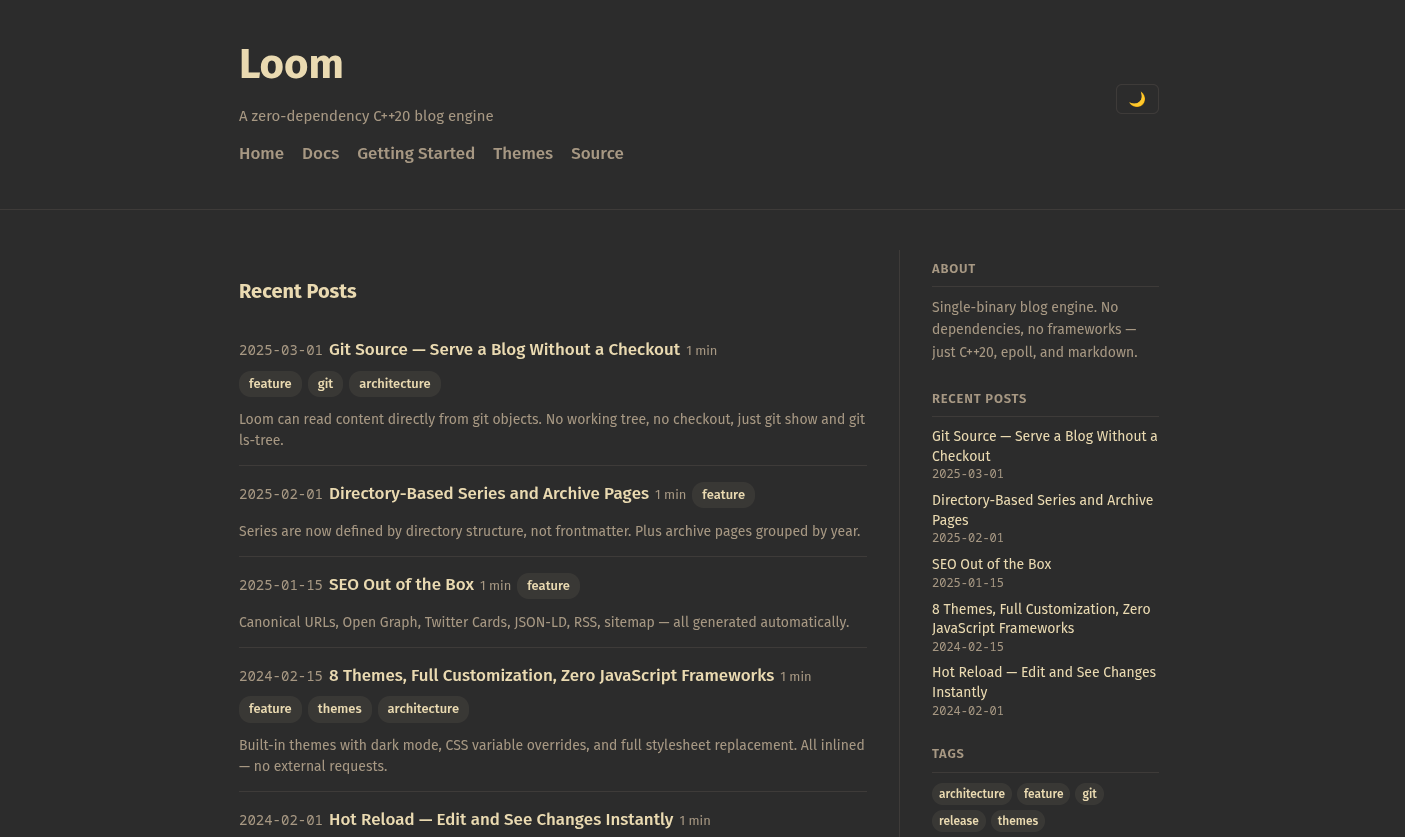
In filesystem mode, content/images/loom.png is read from disk. In local git mode, git show main:content/images/loom.png serves it. In remote git mode, the browser fetches it from raw.githubusercontent.com — no bytes touch your server.
The markdown is the same in all three cases. Here's that image, served right now via GitHub's CDN:
